
Online Stores
Magento Migration in 2026: Upgrade Magento 2, Move to Adobe Commerce, or Switch to Shopify?
Options for an old Magento store: upgrade within Magento 2, move to Adobe Commerce, or switch to Shopify or WooCommerce, without losing your rankings.
By Kazim Noorani, Managing Director
If your store runs on Magento 1 or an older Magento 2 release, you have three options: upgrade to a current Magento 2.4 release, move to Adobe Commerce for paid support and extended patches, or switch to a different platform such as Shopify or WooCommerce. The right choice depends on how complex your catalog and pricing are and how much you want to spend running the store. Whichever you choose, a migration done properly keeps your products, customers, orders and search rankings.
Is your Magento version still supported?
Magento 1 lost all support on 30 June 2020 and gets no security patches. For Magento 2, Adobe supports each 2.4 release for three years from its launch. Standard support for Magento Open Source 2.4.6 ended in August 2026, and only Adobe Commerce customers can buy extended support for it.
A store on an unsupported release still works, but it stops receiving security fixes, which puts customer data and your payment compliance at risk. Check your exact version in the admin panel, then look it up on Adobe's lifecycle page for its end date.
Option 1: upgrade within Magento 2
Moving from an older 2.x release to a current 2.4 release keeps your platform, data structure and most extensions. It suits stores that rely on what Magento does well: large or complex catalogs, several store views or languages, and B2B or customer-specific pricing.
Expect to update or replace extensions that do not support the new release, test custom modules, and check your server's PHP, database and search versions. You will need to repeat the exercise every few years as releases reach their end dates.
Option 2: Adobe Commerce
Adobe Commerce is the paid edition of Magento, with Adobe's support, cloud hosting options, B2B features and extended support for older releases. It suits larger merchants who want a vendor behind the platform. The license is a significant yearly cost, so compare it with the alternatives before you commit.
Option 3: switch to Shopify or WooCommerce
Many smaller and mid-sized Magento stores do not use the features that make Magento worth its running costs. For them, Shopify is often cheaper to run: hosting, security and updates are included in a monthly plan, and the team can manage products without a developer. WooCommerce suits stores that want to keep full control on WordPress without a platform fee.
Switching platforms means rebuilding the theme and replacing extensions with apps or plugins, but products, customers and order history can be moved across, and redirects protect your rankings.
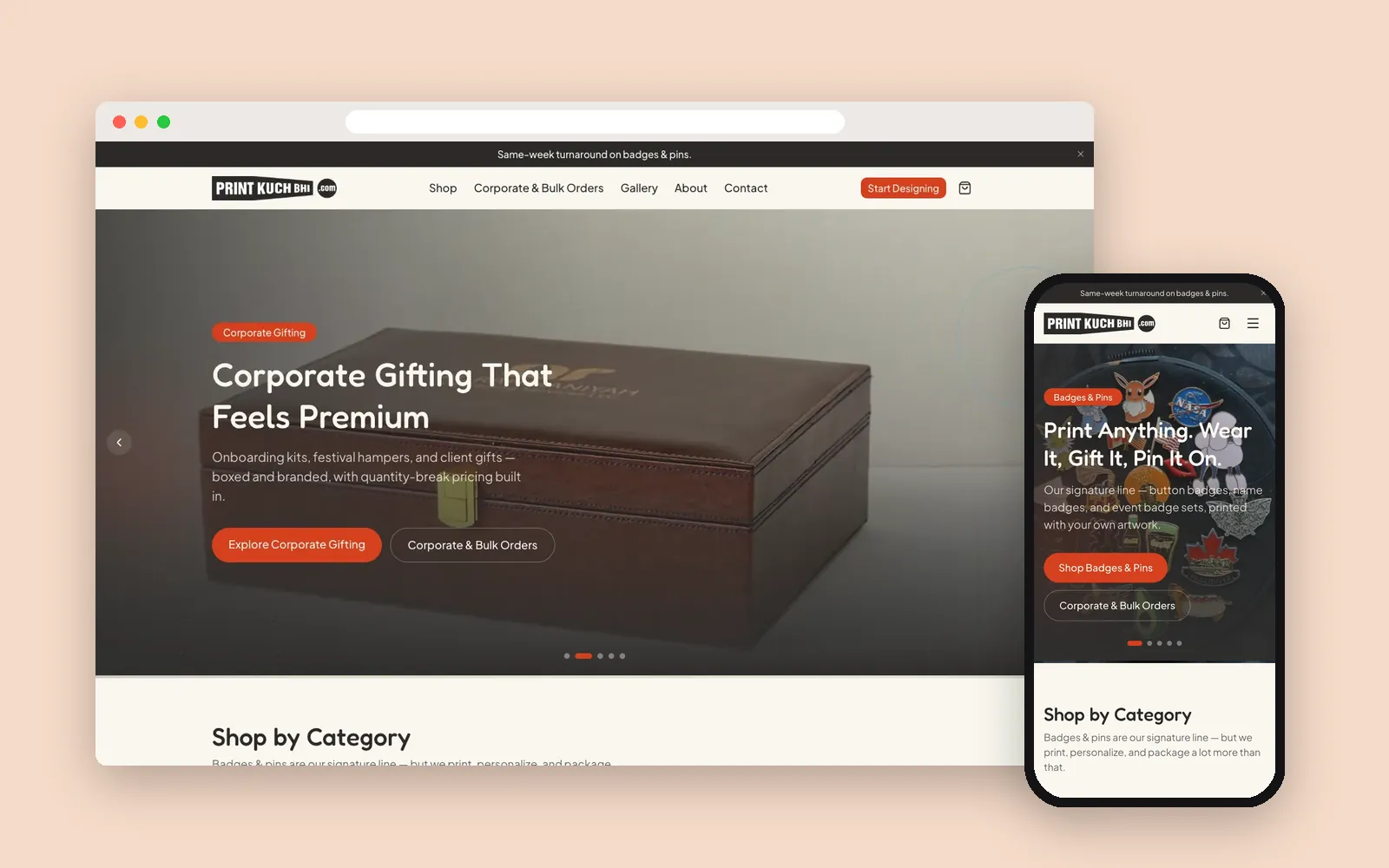
We build and run Shopify and WooCommerce stores for clients in Australia, Canada, the UAE and India, including Khaleej Tools, Oddies, Odd Bunch and Print Kuch Bhi.
How do you migrate without losing Google rankings?
- Crawl the old store and list every product, category, page and image URL that gets traffic or links
- Keep URLs the same where the new platform allows it, and map every other old URL to its new one with a 301 redirect
- Carry over page titles, meta descriptions, product descriptions and image alt text
- Run the full migration on a staging copy first and test checkout, payments, search and redirects
- Sync the orders and customers created since the staging run just before switching over
- Submit the new sitemap and watch Search Console for errors in the weeks after launch
What drives the cost of a Magento migration?
- Number of extensions and custom modules, and whether replacements exist
- How heavily the theme is customized
- Catalog size, product options and the amount of order and customer history
- Integrations with ERP, inventory, accounting, shipping or marketplaces
- Multiple store views, languages or currencies
- The destination: an upgrade within Magento, Adobe Commerce, or a rebuild on Shopify or WooCommerce
Because these vary so much, we give a fixed quote after a short audit of your store, not before. As a guide, a Magento or custom store build usually takes 10 to 20 weeks, while a move to Shopify is often quicker.
Frequently asked questions
Is Magento 1 still supported?
No. Adobe ended support for Magento 1 on 30 June 2020, so it receives no security patches. Stores still on Magento 1 should migrate.
Is Magento 2.4.6 still supported?
Standard support for Magento Open Source 2.4.6 ended in August 2026. Adobe Commerce customers can buy extended support. Check your exact version on Adobe's lifecycle page.
Should I upgrade Magento or move to Shopify?
Upgrade if you rely on Magento's strengths, such as complex catalogs, several store views or B2B pricing. If you do not, Shopify is often cheaper to run and easier for your team to manage.
Will I lose my Google rankings if I migrate?
Not if the migration is planned for it. Keep URLs where possible, redirect every old URL to its new one, carry over page content and metadata, and monitor Search Console after launch.
Can I move my customers and orders from Magento to Shopify?
Yes. Products, customers and order history can be migrated to Shopify. Customers usually need to set a new password on the new store, so plan a clear email to them at launch.
How much does a Magento migration cost?
It depends on extensions, custom code, data and integrations. We give a fixed quote after a short audit of your store.
Related Services
Planning a project like this?
Tell us what you need. We reply within one business day with next steps, a rough timeline and the questions that matter.
More Insights

How Much Does a Shopify Store Cost in Canada in 2026?
How to Set Up an Online Store in Kuwait in 2026: KNET, Payment Gateways and Platform Choice