Mobile Apps
Flutter Development
One Flutter Codebase, Built to Feel Native on Both Platforms
Flutter development for teams that want one codebase covering iOS and Android without the app feeling like a compromise on either platform - genuinely shared logic, with platform-specific polish where it actually matters.
10
real Mobile Apps projects
★
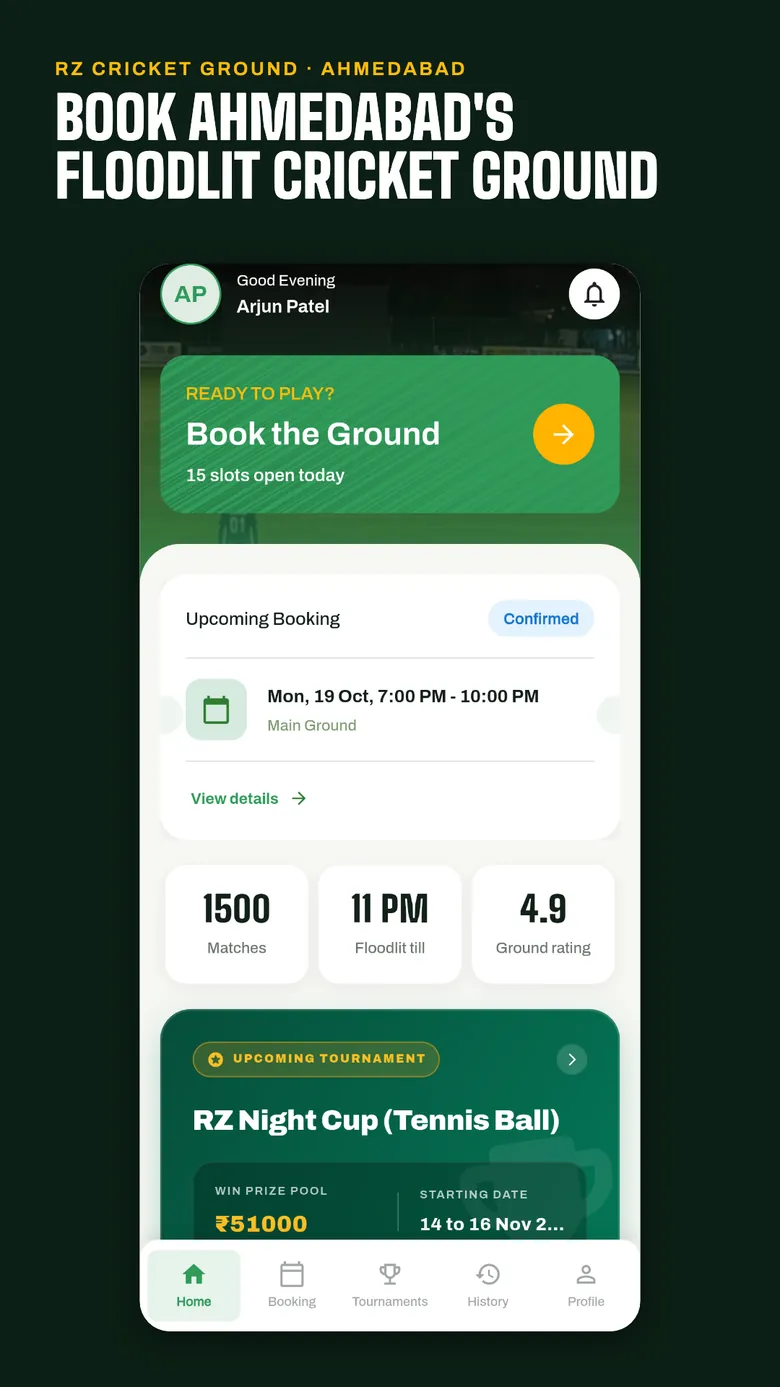
7 apps live on Google Play for 5 clients, plus Bizi on the App Store
Fixed
scope, price and milestones before work starts
Yours
code, designs, data and accounts from day one
What is included?
- 01
Cross-Platform App Development
One codebase for iOS and Android.
- 02
Platform-Specific UI
Native-feeling adjustments where a shared design falls short.
- 03
Backend & Firebase Integration
REST APIs, Firebase, or your existing systems.
- 04
App Store Submission
Support for both the App Store and Google Play.
Why Infigrity for Flutter Development?
One Codebase, Two Platforms Done Right
Shared logic where it makes sense, platform-specific polish where a shared design would feel wrong.
Performance That Holds Up
Flutter renders its own UI rather than wrapping native components - built to match native feel, not approximate it.
Honest About the Edge Cases
We'll flag upfront the rare native capability Flutter can't cleanly reach, rather than discovering it mid-build.
Both Stores, One Submission Process
App Store and Google Play submission support handled together.
Flutter Development work
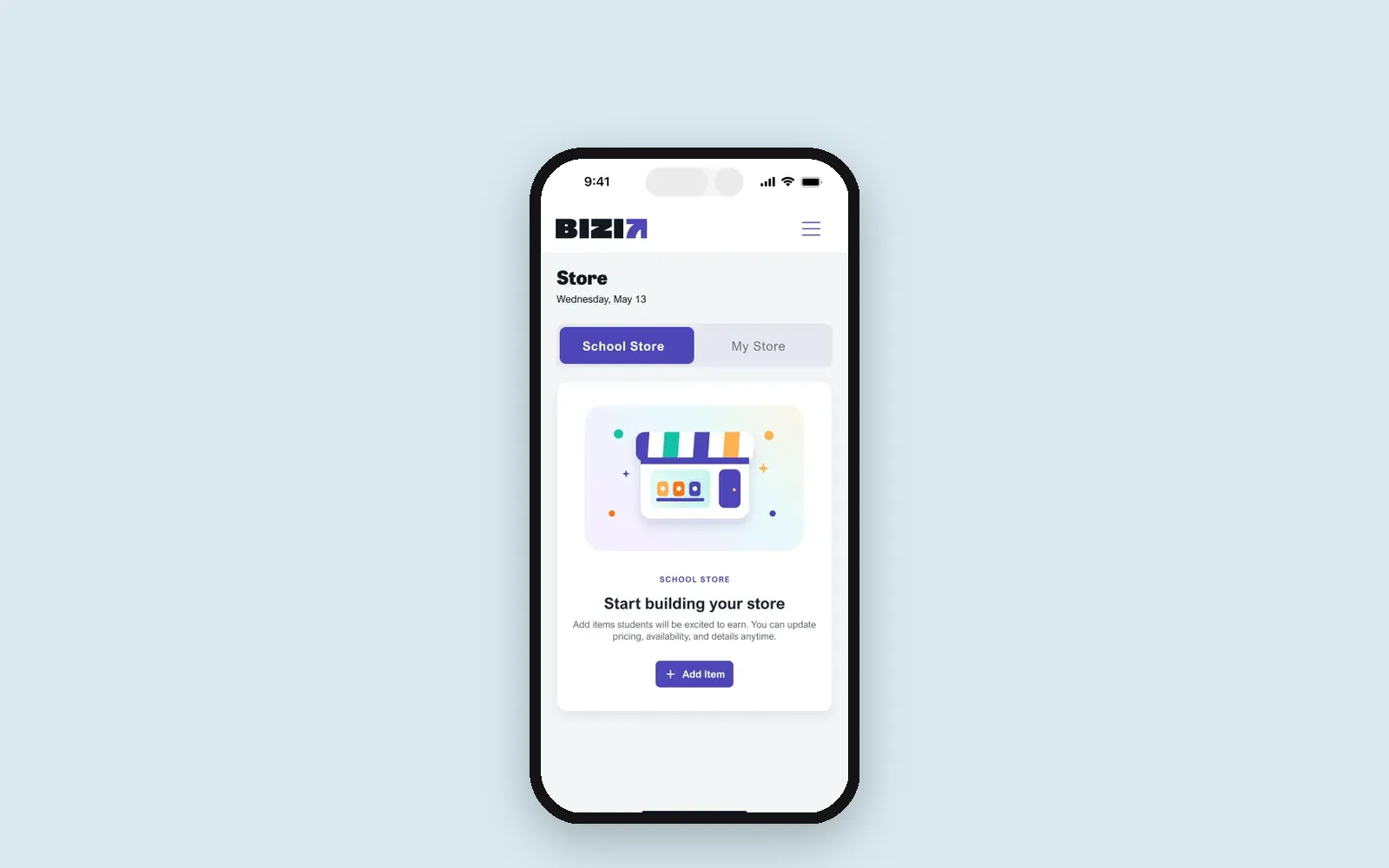 Live on App Store and Google Play
Education · United States
Bizi: a classroom rewards app for US schools, live on iOS and Android
- Flutter
 Live on Google Play
Logistics · India
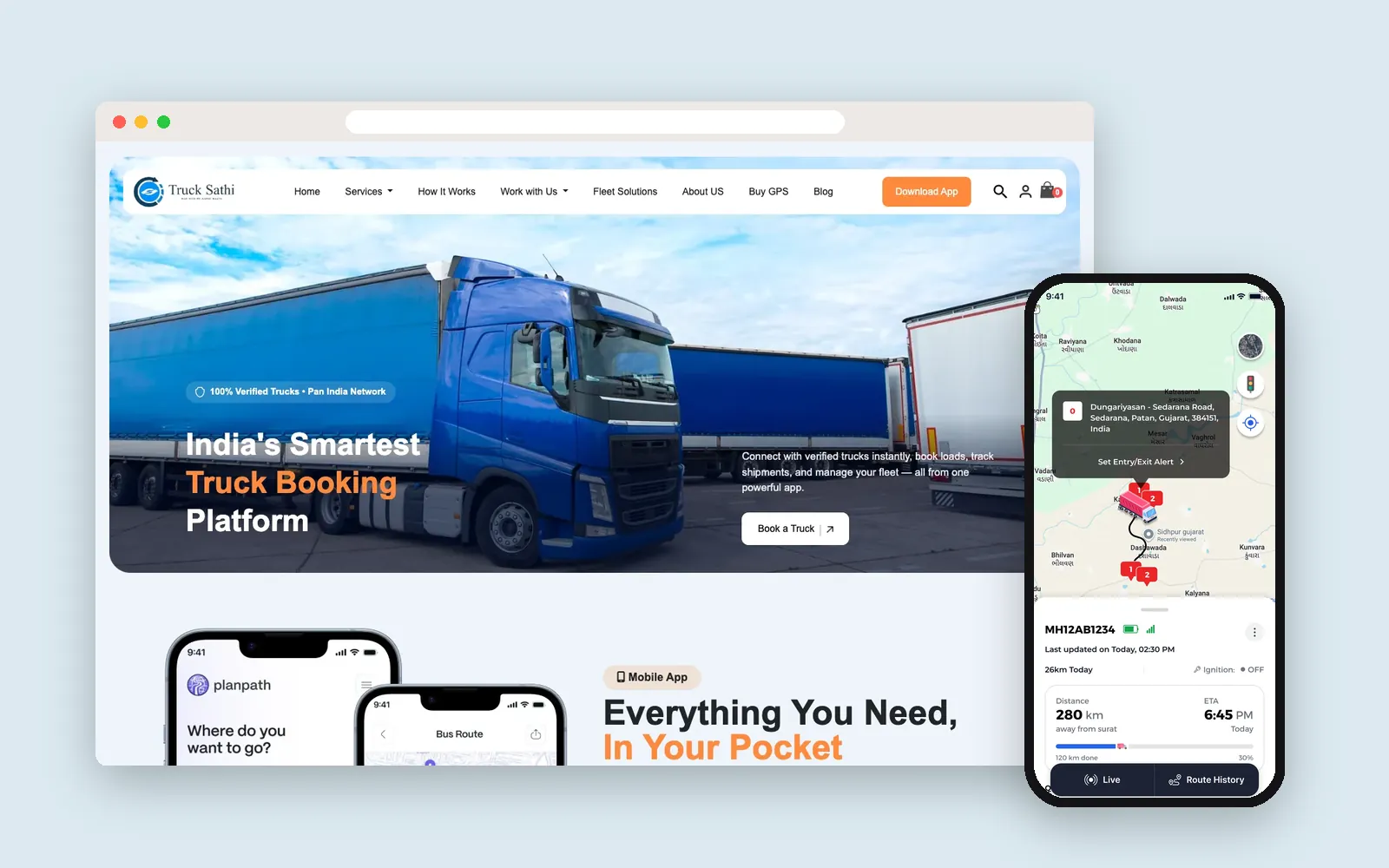
Truck Sathi: truck booking, live GPS tracking and a custom CRM in 8 Indian languages
- Flutter
- WooCommerce
- WordPress
- Laravel
- Next.js
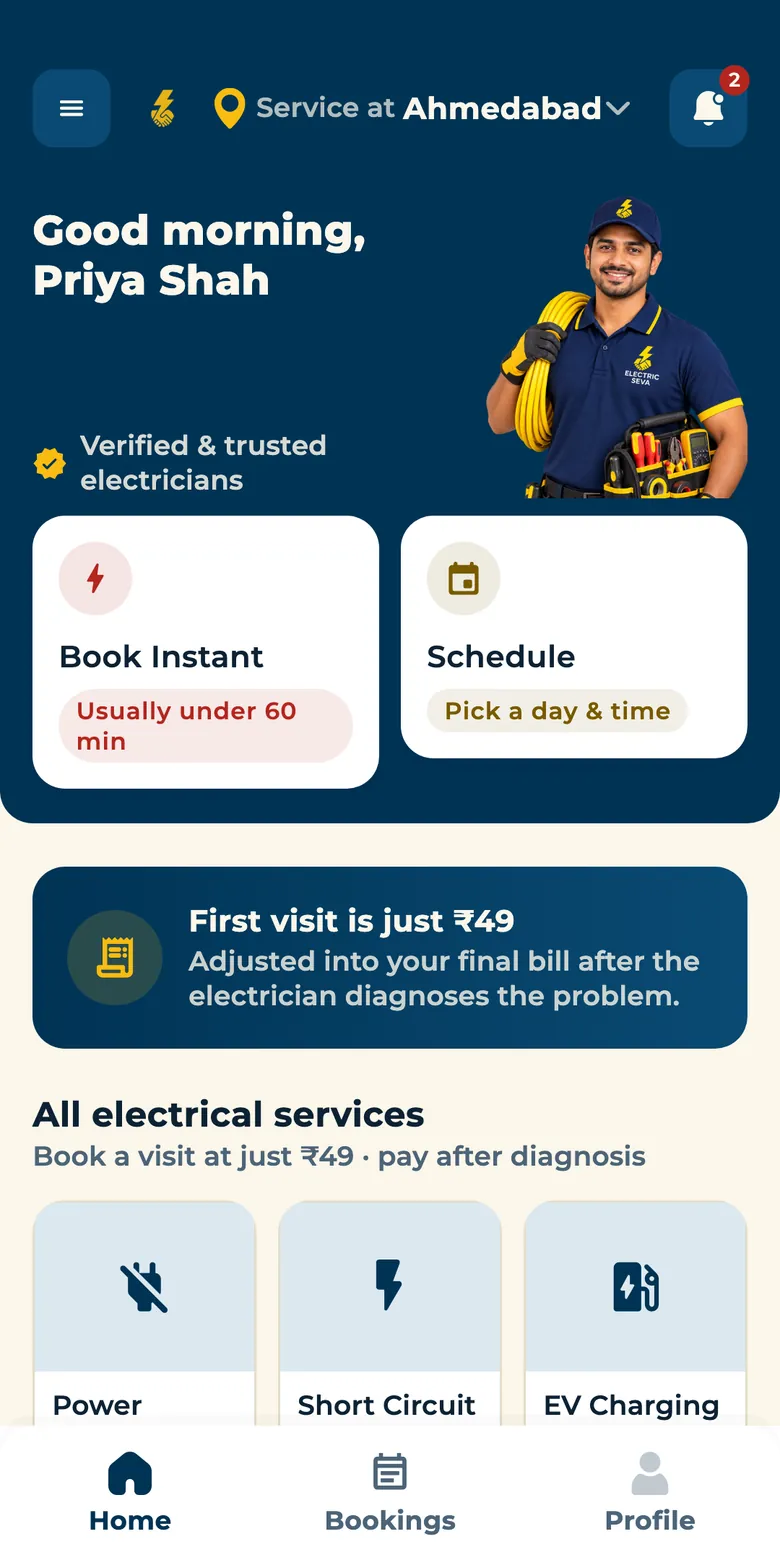
 Live on Google Play
Home Services · India
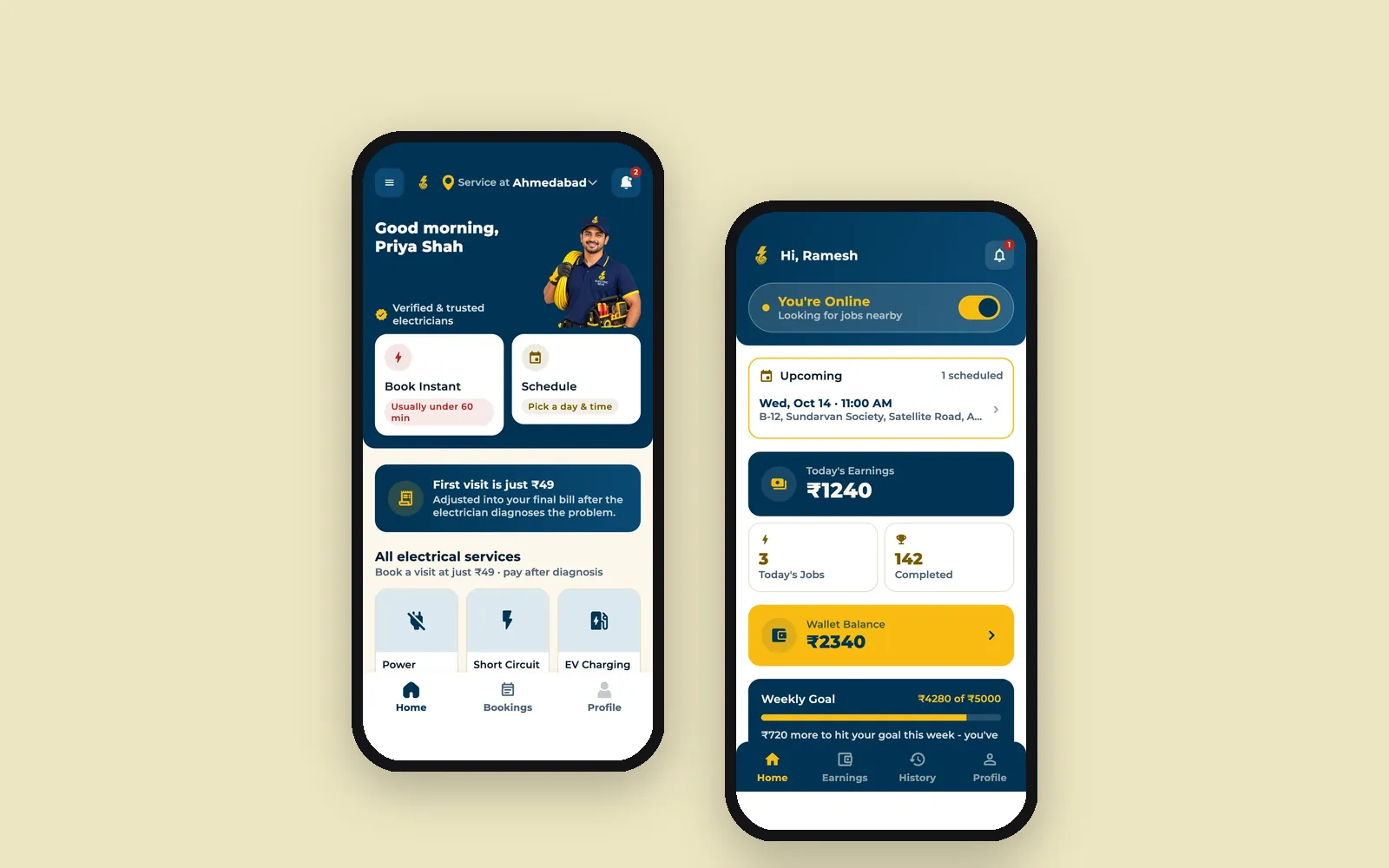
Electric Seva: book a verified electrician in Ahmedabad, tracked live to your door
- Flutter
- Laravel
Weighing Flutter against building native apps twice? Let's talk about what your app actually needs.
Get a fixed quote and clear milestones after a free call.
How we deliver Flutter Development
- 1
Scoping
Confirming Flutter genuinely fits versus native development for your specific app.
- 2
UI & Architecture
Design and app architecture, flagging where platform-specific treatment matters.
- 3
Build
Development across both platforms from the shared codebase.
- 4
Testing & Submission
Device testing on both platforms, then app store submission support.
Tools and technology
- Flutter
- Dart
- Firebase
- REST APIs
Guides
- SoftwareMVP Checklist for Non-Technical Founders: What to Decide Before You Pay for a Build
- Mobile AppsBooking Apps for Sports Venues: Hourly Slots, Advance Payments and Tournaments
- Mobile AppsHow Much Does It Cost to Build a Marketplace App in 2026?
- Mobile AppsBuilding an App for US Schools in 2026: Cost, Sign-In and Student Privacy
Frequently asked questions
Will a Flutter app feel as good as a native app?
For most apps, yes - Flutter renders its own UI rather than wrapping native components, which is why it can match native performance and feel closely. We'll flag the rare cases where a specific native capability genuinely isn't available.
Is Flutter cheaper than building native iOS and Android apps separately?
Generally, yes - one codebase means less duplicated work, though the actual savings depend on how much platform-specific customization your app needs.
Can Flutter apps access native device features - camera, GPS, biometrics?
Yes - through Flutter's plugin ecosystem, and custom native code when a specific feature needs it.
Do you handle app store submission, or just the development?
Both - we support submission to the App Store and Google Play, including the assets and metadata each store requires.
Can you take over a FlutterFlow project?
Yes. FlutterFlow can export a project's Flutter code. We review that code and continue development directly in Flutter, which removes the limits a visual builder puts on custom features, integrations and performance.
More in Mobile Apps
Often paired with
Ready to start your Flutter Development project?
Tell us what you need. We reply within one business day with next steps, a rough timeline and the questions that matter.