
Mobile Apps
Mobile Experience
Designed Around How People Actually Hold and Use Their Phones
App experiences designed around how people actually hold, tap and use their phones - not a shrunk-down desktop screen.
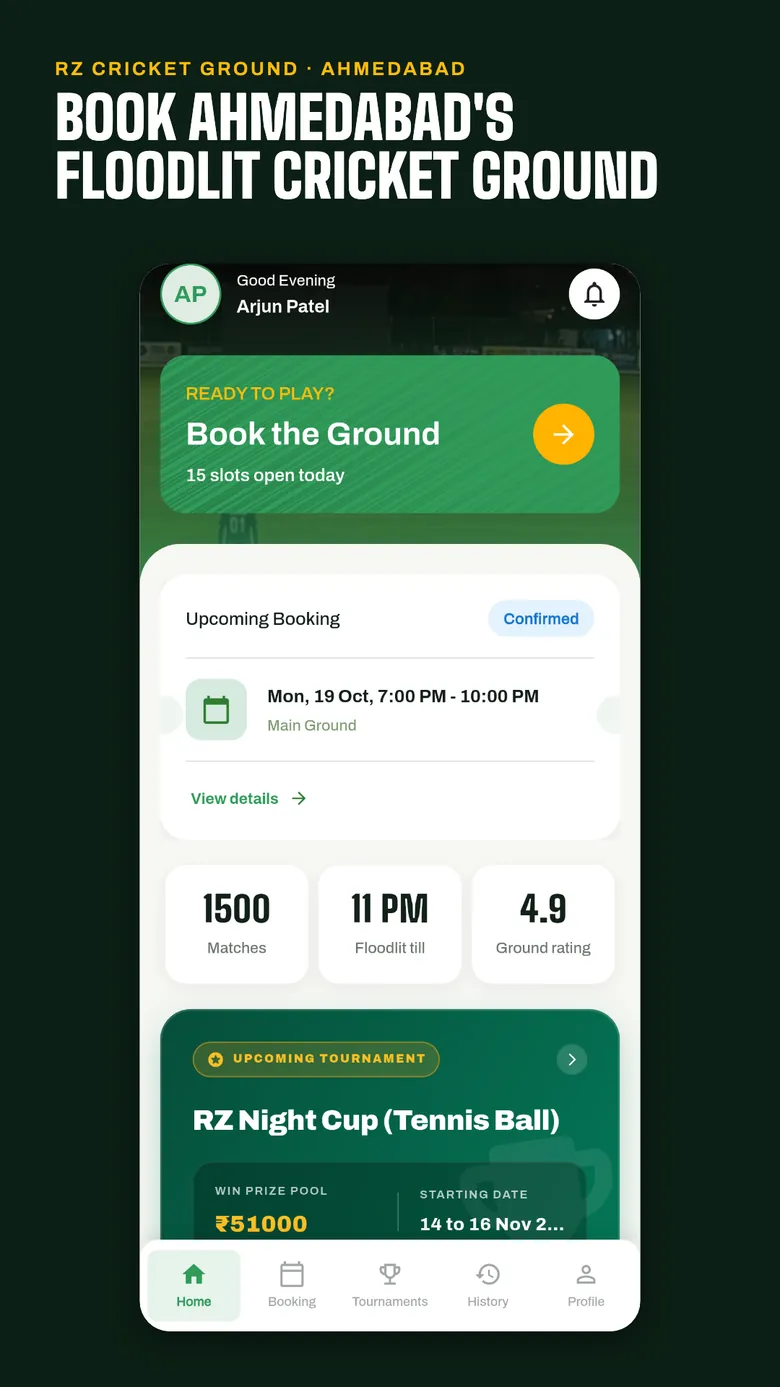
10
real Mobile Apps projects
★
7 apps live on Google Play for 5 clients, plus Bizi on the App Store
Fixed
scope, price and milestones before work starts
Yours
code, designs, data and accounts from day one
What is included?
- 01
Mobile-First UX Design
Design built around thumb reach and one-handed use, not a shrunk desktop layout.
- 02
Platform-Specific UI
iOS and Android conventions respected rather than forcing one look onto both.
- 03
Onboarding Flow Design
Flows designed to get new users to value quickly, without a wall of screens first.
- 04
Motion & Micro-Interactions
Interaction design that makes an app feel responsive, not static.
Why Infigrity for Mobile Experience?
Respects Each Platform's Conventions
The same brand experience, adapted to iOS and Android's own interaction patterns rather than forcing identical UI onto both.
Tested on Real Devices, Not Previews
Interactive prototypes get tested on actual phones before development starts, catching usability issues while they're cheap to fix.
Redesigns Where Drop-Off Is High
Common engagement is fixing a specific step where users are dropping off, not rebuilding an app that mostly already works.
Tablets Scoped Separately
Tablet layouts are scoped on their own, since the usage context and available space are genuinely different from phones.
Mobile Experience work
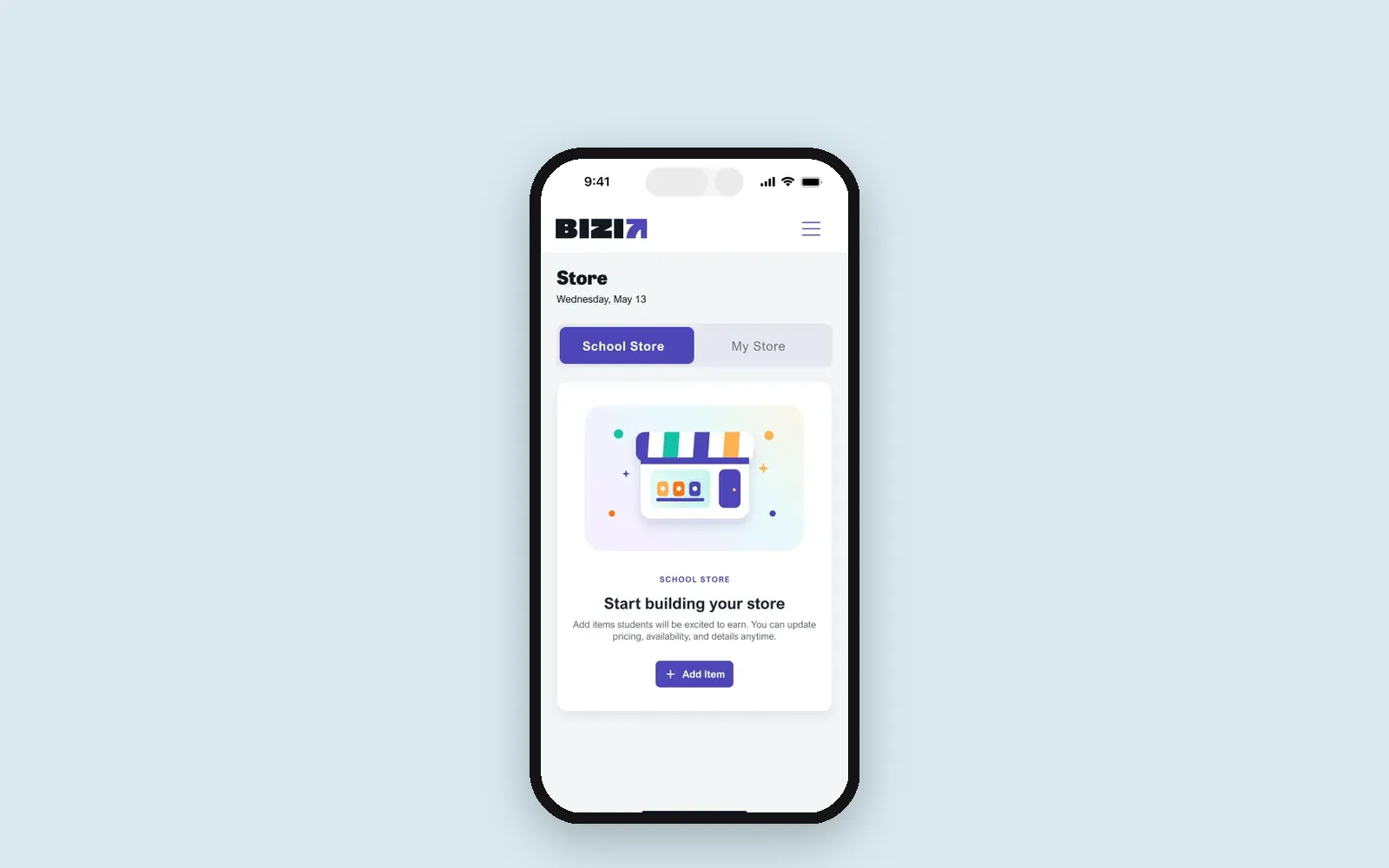 Live on App Store and Google Play
Education · United States
Bizi: a classroom rewards app for US schools, live on iOS and Android
- Flutter
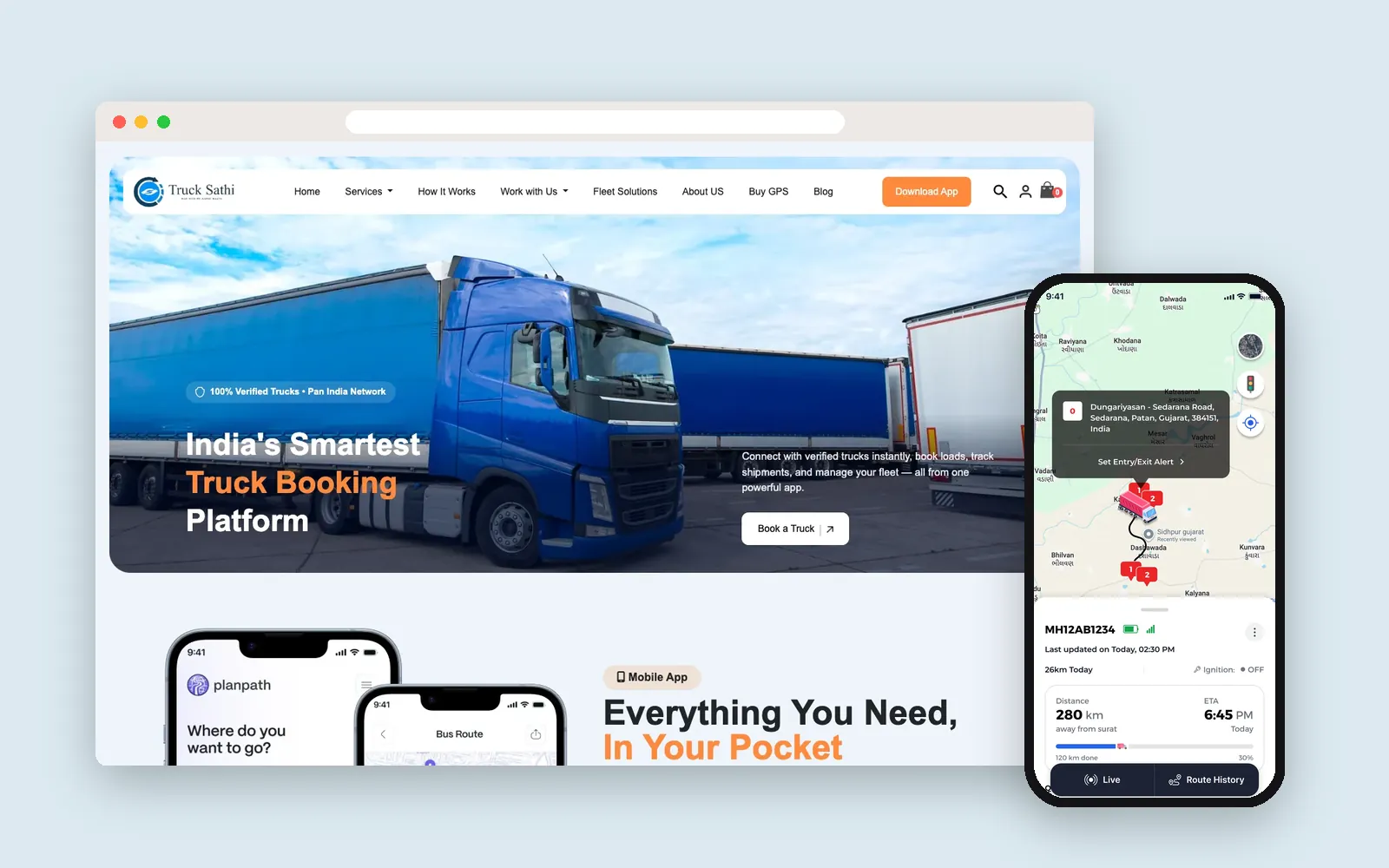 Live on Google Play
Logistics · India
Truck Sathi: truck booking, live GPS tracking and a custom CRM in 8 Indian languages
- Flutter
- WooCommerce
- WordPress
- Laravel
- Next.js
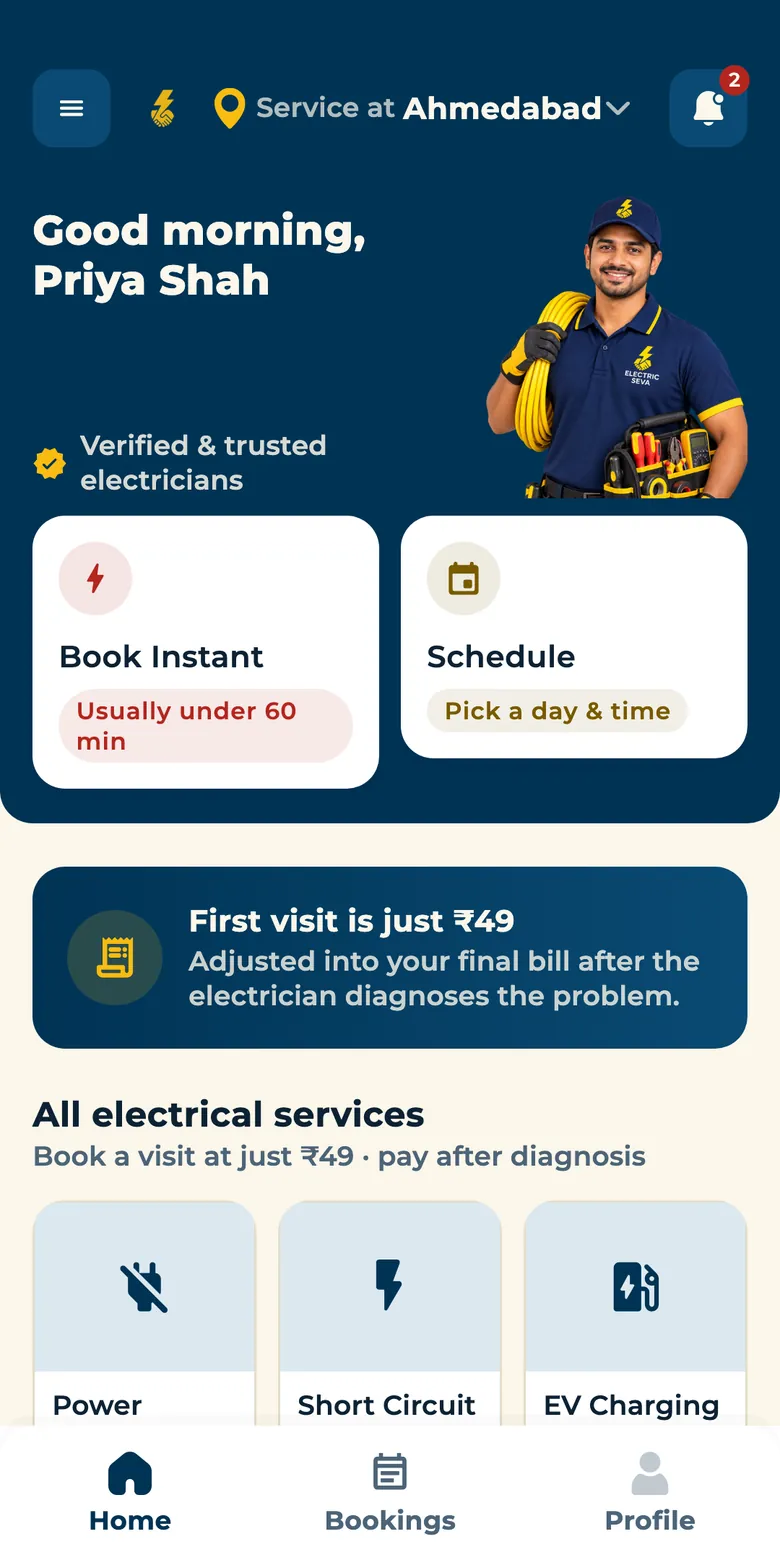
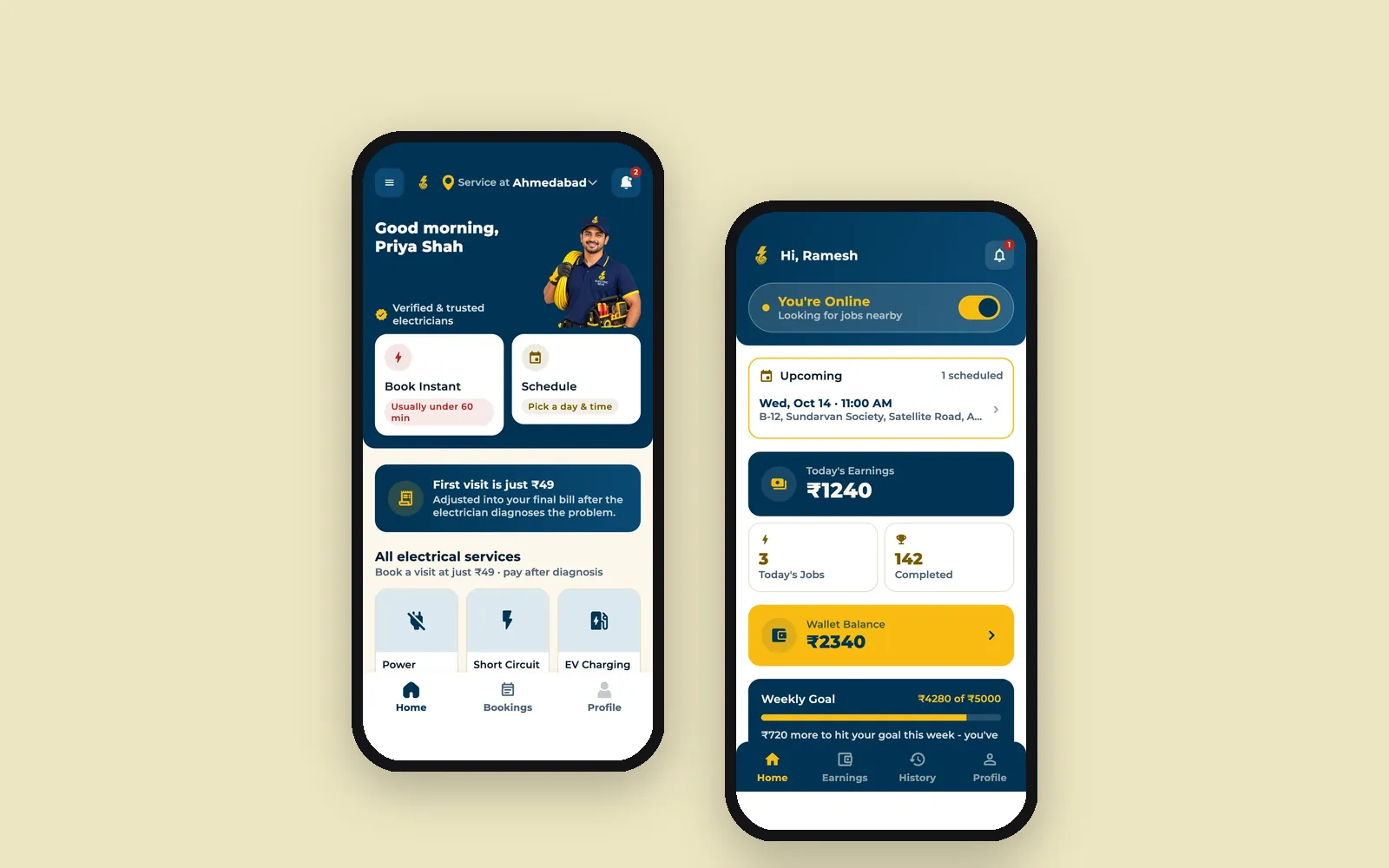 Live on Google Play
Home Services · India
Electric Seva: book a verified electrician in Ahmedabad, tracked live to your door
- Flutter
- Laravel
Seeing high drop-off at a specific step in your app? Let's find out why.
Get a fixed quote and clear milestones after a free call.
How we deliver Mobile Experience
- 1
Mobile Research
Understanding the specific context your app is used in - on the move, one-handed, short sessions.
- 2
Flow Design
User flows built around mobile constraints, not adapted from a desktop design.
- 3
Platform-Specific UI
Respecting iOS and Android's own interface conventions rather than forcing one look onto both.
- 4
Prototyping
Interactive prototypes tested on real devices before development starts.
- 5
Handoff & QA
Developer handoff with design QA once the build is in progress.
Ways to work with us
Time & Material
For an app experience that will keep evolving with new features.
- Change scope as requirements evolve
- Pay based on work delivered
- Sprint-based delivery and review
- Full visibility into progress
Dedicated Team
Extend your team with mobile designers who work inside your sprint cycle.
- Resourcing matched to your exact needs
- Direct daily collaboration with your team
- Scale the team up or down as needed
- Guaranteed committed hours
Fixed Price
For a clearly scoped design project with a defined screen set and timeline.
- Scope agreed upfront
- Milestone-based delivery
- Fixed timeline and budget
- Best for well-defined projects
Frequently asked questions
Should our app look identical on iOS and Android?
Not necessarily - we design the same brand experience but respect each platform's own interaction conventions (navigation patterns, gestures), which usually feels more native than forcing identical UI on both.
Do you design for tablets as well as phones?
Yes, where relevant - tablet layouts are scoped separately from phone layouts since the usage context and available space are genuinely different.
Can you redesign an existing app rather than build new?
Yes - redesign engagements are common, especially where an app's core functionality works but the experience has aged or user drop-off is high at specific steps.
How do you test the design before development?
Interactive prototypes on real devices, ideally with a handful of target users - catching usability issues before a single line of code is written.
More in Mobile Apps
Often paired with
Ready to start your Mobile Experience project?
Tell us what you need. We reply within one business day with next steps, a rough timeline and the questions that matter.