How to Launch Your App on Google Play and the App Store
A step-by-step checklist for getting your app approved on both stores the first time: accounts, listings, privacy forms, account deletion and review.
By Kazim Noorani, Managing Director
To launch an app you need a developer account on each store, a signed release build, a complete store listing, privacy and data-safety details, and, if users can sign up, a way to delete their account inside the app. Then you submit for review, answer any questions, and release.
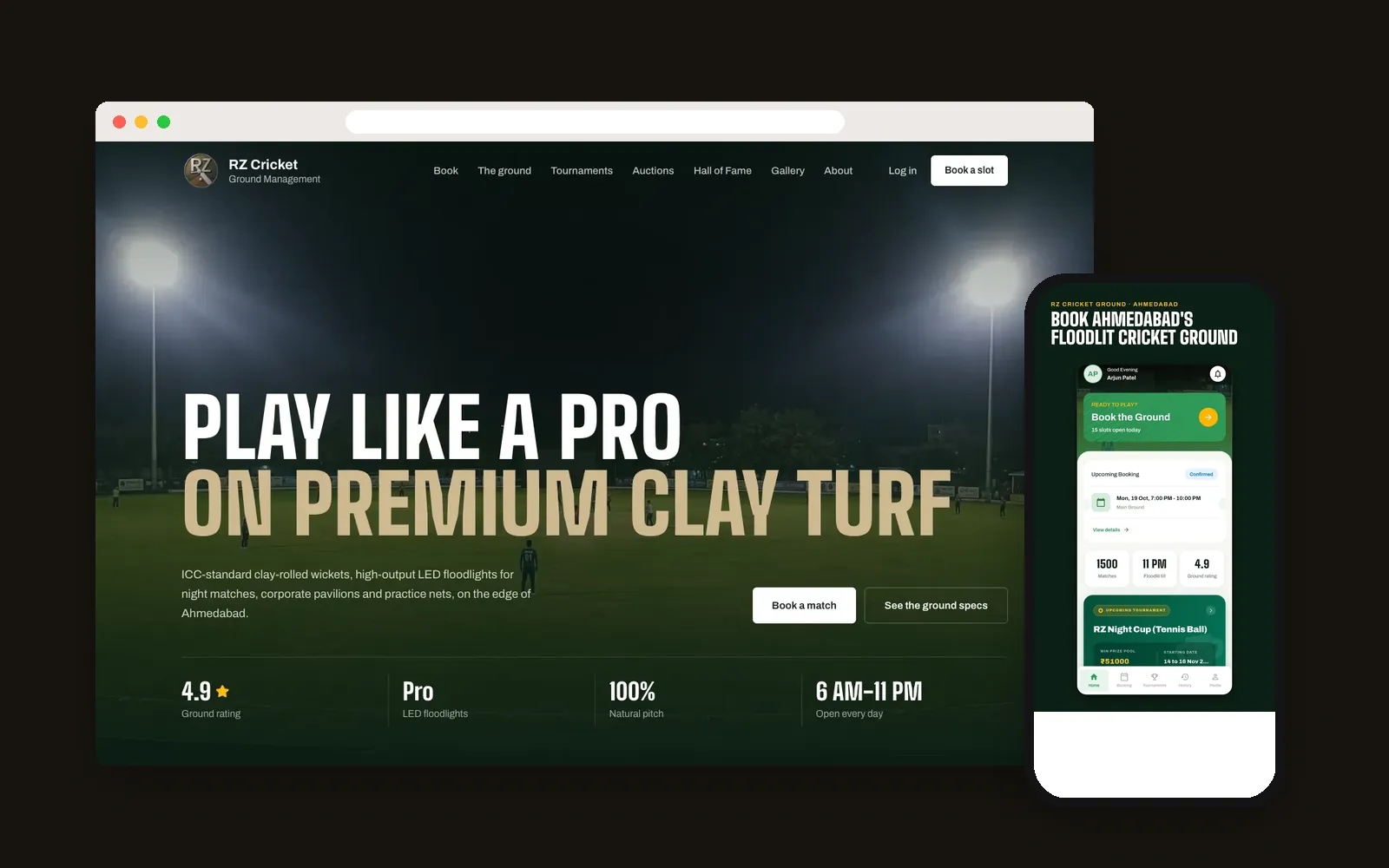
Most rejections come from missing policy items rather than bugs. This checklist covers what we prepare for every launch, including the Google Play release of the RZ Cricket Ground booking app.
Which accounts do I need?
Open the accounts in your company's name, not your developer's. You will need an Apple Developer Program membership (USD 99 per year) and a Google Play Console account (USD 25 one-time). Both ask for business verification. Apple uses a D-U-N-S number for organizations, so request one early if you do not have it.
What goes into a store listing?
Each store has its own limits, but the pieces are similar:
- App name and a short subtitle or description
- A full description that explains what the app does and who it is for
- Screenshots for each required device size, ideally with short captions
- App icon and, for Google Play, a feature graphic
- Category, contact email, website and privacy policy URL
- Keywords (App Store) chosen from what your users actually search
What privacy details do the stores ask for?
Apple asks for privacy nutrition labels and Google Play asks for a Data safety form. Both describe what data the app collects and why. Answer them accurately: they must match what the app really does, and mismatches are a common reason for rejection or later removal.
If users can create an account, both stores require an easy way to delete it from inside the app, and Google Play also asks for a web link where people can request deletion.
How does review work?
Give reviewers a working test login, especially if your app uses phone-number OTP sign-in. Explain anything unusual in the review notes. Google Play reviews new apps in a few days in most cases. Apple usually responds within a day or two, sometimes with questions. Reply clearly, fix what they ask, and resubmit.
What should I do on launch day?
Release to a small percentage of users first if your store setup allows it, watch crash reports, and keep your signing keys backed up in two safe places. Losing an upload key means a slow reset process with Google. Then tell your existing customers, add store badges to your website, and ask happy early users for honest reviews.
Frequently asked questions
How long does app store approval take?
Usually a few days on Google Play and a day or two on the App Store, though first submissions and apps with sensitive features can take longer.
Why do apps get rejected?
Common reasons are missing account deletion, privacy forms that do not match the app, broken test logins, crashes and incomplete listings.
Can my developer publish the app under their account?
They can, but they should not. Publish under your own business account so you keep control of the listing and its reviews.
Have a project this connects to? We’d like to hear about it.
Talk to Us→