Websites
How to Add Online Booking and Payments to Your Website (Without Double Bookings)
Booking tool or custom booking, how to take payment at booking, how to stop double bookings, and four real setups for clinics, coaches and service firms.
By Kazim Noorani, Managing Director
There are two ways to add online booking to a business website: connect a booking tool such as Calendly to a payment link, which is quick and cheap, or build booking into the website itself, which takes longer but fits your exact rules, payments and follow-up. Either way, the booking should ask for as little as possible, take payment or a deposit in the same step, and make it impossible to sell the same slot twice.
Below are four setups we built, from the simplest to a fully custom system.
Booking tool or custom booking?
- Booking tool plus payment link: fastest and cheapest. Good for coaches, consultants and small teams with simple appointments
- Custom booking on your site: your own rules, prices and confirmation messages, payment in the same step, and bookings stored with your other data. Good for clinics, multi-staff services and paid slots
- Booking inside an app: for marketplaces and field services where a provider is dispatched to the customer
Setup 1: pay first, then pick a time (Raewyn Barry, New Zealand)
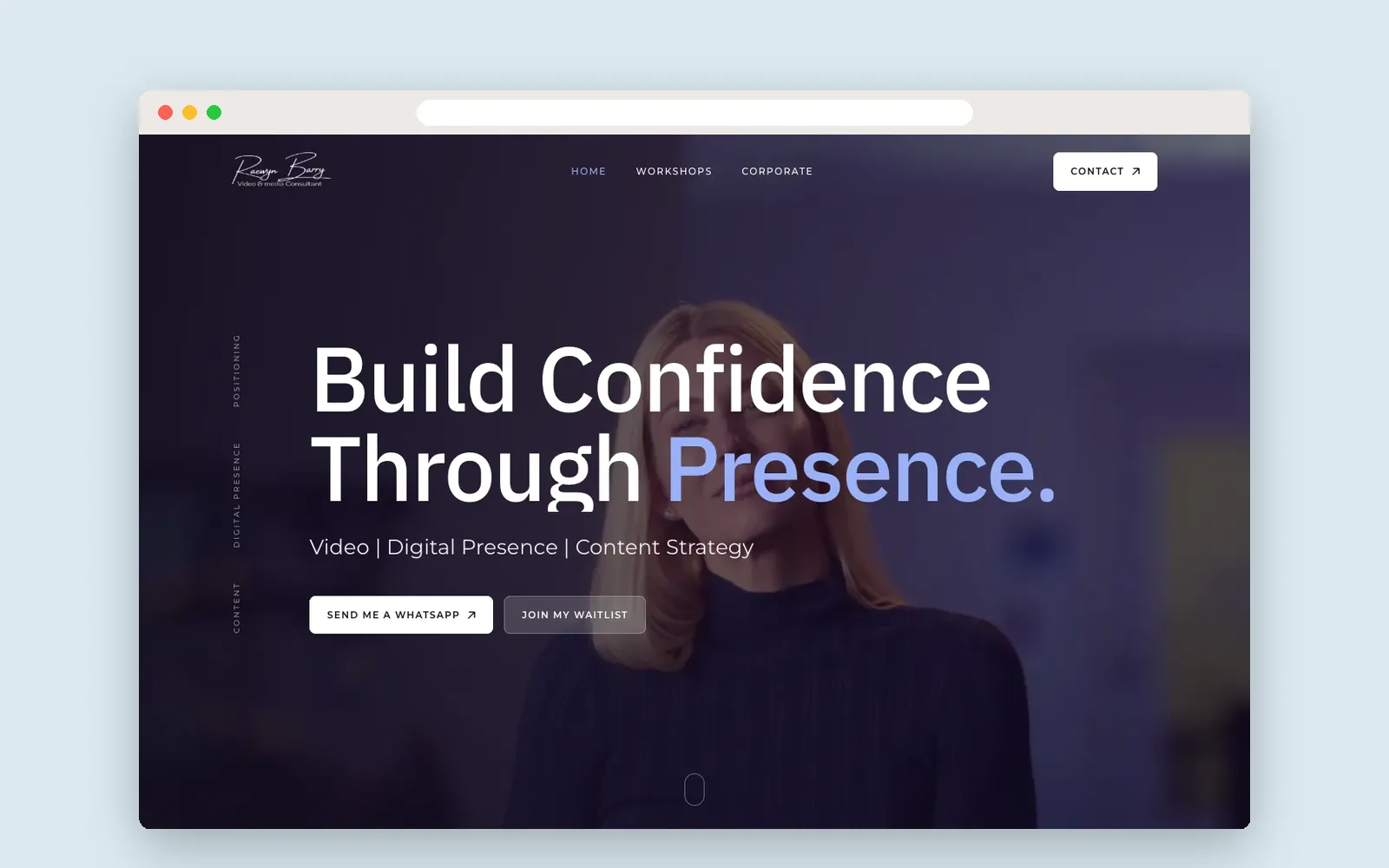
Raewyn Barry runs paid workshops and coaching. Her site follows one rule: clients pay first, then choose a time. Each workshop links to a Stripe Payment Link, and Stripe returns the client to a Book page with an embedded Calendly calendar. Raewyn edits workshops herself as the schedule changes, with no developer needed.
Setup 2: an estimate, then pre-booking (The Cleaning Company)
For The Cleaning Company in Ahmedabad and Vadodara, a customer chooses the service and pincode on the home page, sees an estimate straight away and pre-books online. The team then confirms the slot by phone, which suits jobs where the final details need a quick conversation. Bookings show up in an admin so the team can follow up.
Setup 3: paid video consultations (Bodyline Hospital)
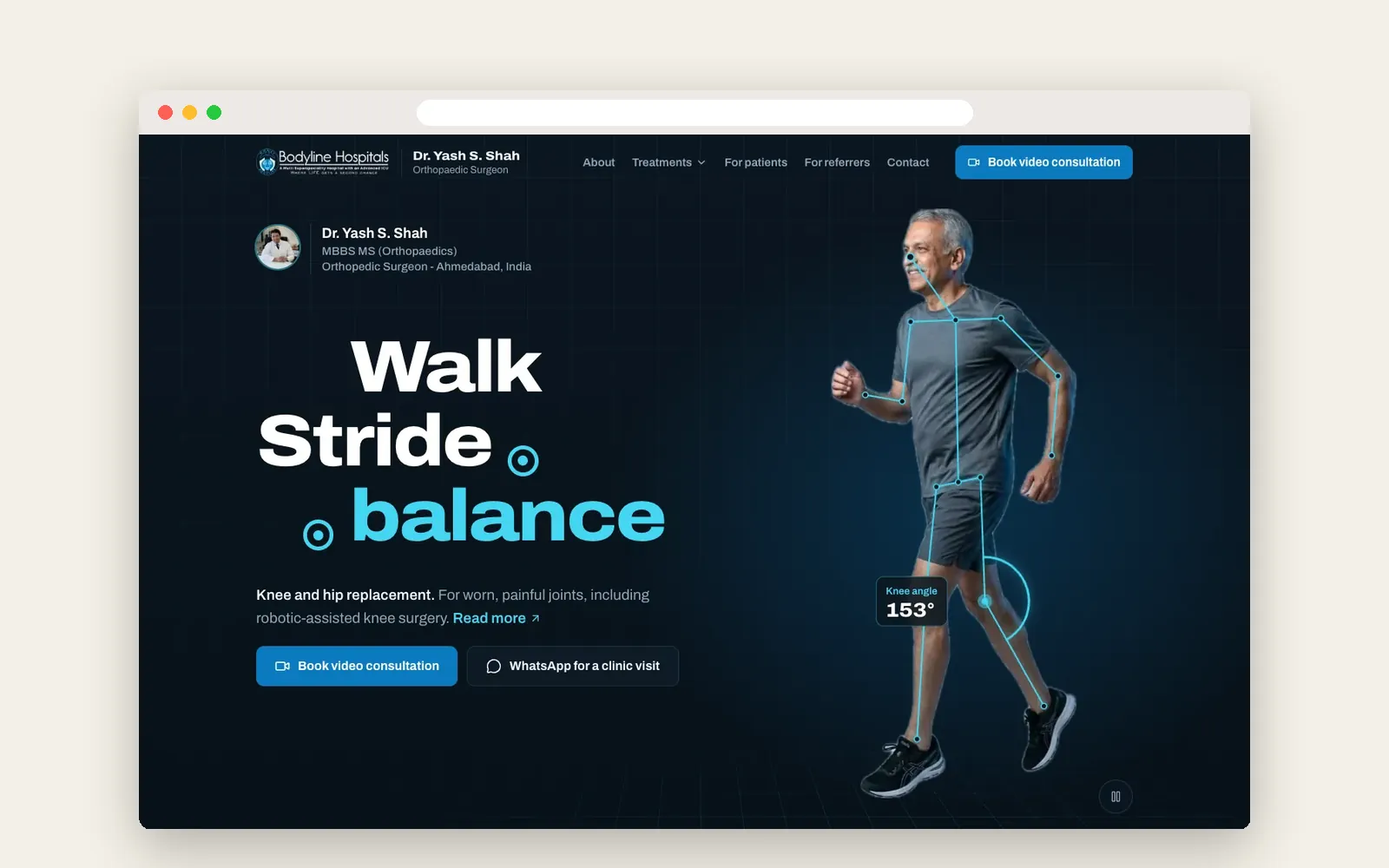
Dr. Yash S. Shah, an orthopedic surgeon at Bodyline Hospital in Ahmedabad, sees many older patients and many who live outside the city. On his Next.js website, a patient enters four things (name, WhatsApp number, date and time), pays the consultation fee online and gets a WhatsApp video call with the doctor, in about a minute.
Paid slots must never be sold twice. Each slot gets a lock that can only be created once, held for 15 minutes while the patient pays and released if the booking is cancelled. If a patient pays after the hold has expired and someone else has taken the time, the system refunds them automatically through Razorpay and tells them why. The fee is fixed on the server, and every payment is verified before a booking is confirmed.
Setup 4: booking in an app (Electric Seva)
Electric Seva lets customers in Ahmedabad book a verified electrician. A customer app and an electrician app share one backend with OTP login, job dispatch, a wallet, online payments, GST invoices and live tracking, so the customer sees a transparent price and follows the visit.
What makes a booking flow work?
- Ask for the minimum: usually name, phone or email, date and time
- Take payment or a deposit in the same step, which also discourages no-shows
- Lock a slot while the customer pays, and release it if they do not finish
- Send a confirmation straight away, by email, SMS or WhatsApp, with a way to reschedule
- Show prices and the cancellation policy before payment
- Make it work on a phone with large buttons and as few screens as possible
- Record every booking and payment where your team already works
Which payment provider?
Use one that works in your country and your customers trust: Stripe in the US, UK, Canada, Australia and New Zealand, Razorpay in India, and a local gateway with KNET in Kuwait. Check fees, how quickly money reaches your bank, refunds, and whether it supports deposits or payment links.
Frequently asked questions
How do I add online booking to my website?
Either embed a booking tool such as Calendly and connect a payment link, or build booking into the website itself so it follows your own rules and takes payment in the same step.
Can customers pay when they book?
Yes. Payment can be taken in the booking step, or before choosing a time. Raewyn Barry's site takes payment through Stripe first, and Bodyline Hospital's takes the consultation fee as part of booking.
How do you stop double bookings?
Lock each slot while a customer pays, release it if they do not finish, and handle the rare case of a late payment with an automatic refund, as Bodyline Hospital's booking system does.
Should I use Calendly or build my own booking?
Calendly or a similar tool is fine for simple appointments. Build your own when you need paid slots, several staff or locations, custom rules, or bookings stored with the rest of your business data.
How much does a website with booking cost?
Our business websites start from USD 1,500. Custom booking with payments, slot locking and an admin adds to that; we give a fixed quote after a short call.
Related Services
Planning a project like this?
Tell us what you need. We reply within one business day with next steps, a rough timeline and the questions that matter.
More Insights
Clinic and Hospital Websites: What Patients Need First, and How to Build It
How to Redesign Your Website Without Losing Google Rankings