Websites
How to Redesign Your Website Without Losing Google Rankings
Why redesigns lose traffic, the steps that protect rankings, ads and inquiries before, during and after launch, and three real migrations we carried out.
By Kazim Noorani, Managing Director
A redesign loses rankings when pages that Google already trusts disappear, change address without a redirect, or lose the content that made them rank. To avoid it, list every page that gets traffic or links before you start, keep the content and page titles that work, redirect every old address to its closest new page in a single step, and check Search Console closely for the weeks after launch. Done this way, a redesign usually keeps its rankings and often improves them, because the new site is faster and clearer.
Why do redesigns lose traffic?
- Page addresses change and old ones return 'not found' instead of redirecting
- Pages that ranked are removed or merged without carrying their content across
- Page titles, headings and descriptions are rewritten and lose the words people searched
- Redirects go through several hops, or all point to the home page
- Analytics, ads conversion tracking or the sitemap are forgotten at launch
- The new site is slower or harder to crawl than the old one
Before you start: what to record
- Every URL on the old site, from a crawl and from your sitemap
- The pages that get search traffic and links, from Search Console and Analytics
- Each page's title, description and main heading
- Any landing pages used by ads, and the conversions they track
- Current speed and Core Web Vitals, so you can compare after launch
During the build: protect what works
- Keep URLs the same where you can; it is the safest option
- For every URL that changes, map it to the closest matching new page, not the home page
- Carry over the content that ranks, then improve it, rather than starting from nothing
- Keep or improve page titles and headings for the searches each page already wins
- Build the new site on a staging address that search engines cannot index
Launch day and the weeks after
- Switch on 301 redirects at the same moment the new site goes live, each in a single hop
- Test a sample of old URLs, including the most visited ones and ads landing pages
- Check analytics and ads conversions are recording on the new pages
- Submit the new sitemap in Google Search Console and Bing Webmaster Tools
- Watch Search Console for 404 errors and drops in pages indexed, and fix them quickly
- Compare traffic and inquiries with the same weeks before launch
Three real migrations
Bodyline Hospital: the old WordPress site was Dr. Yash S. Shah's main source of inquiries, and a separate subdomain ran as a Google Ads landing page. We replaced it with a 25-page Next.js site on the same domain. Old URLs redirect in a single hop, and the old ads subdomain opens the new matching treatment page with its original Ads conversions still recording.
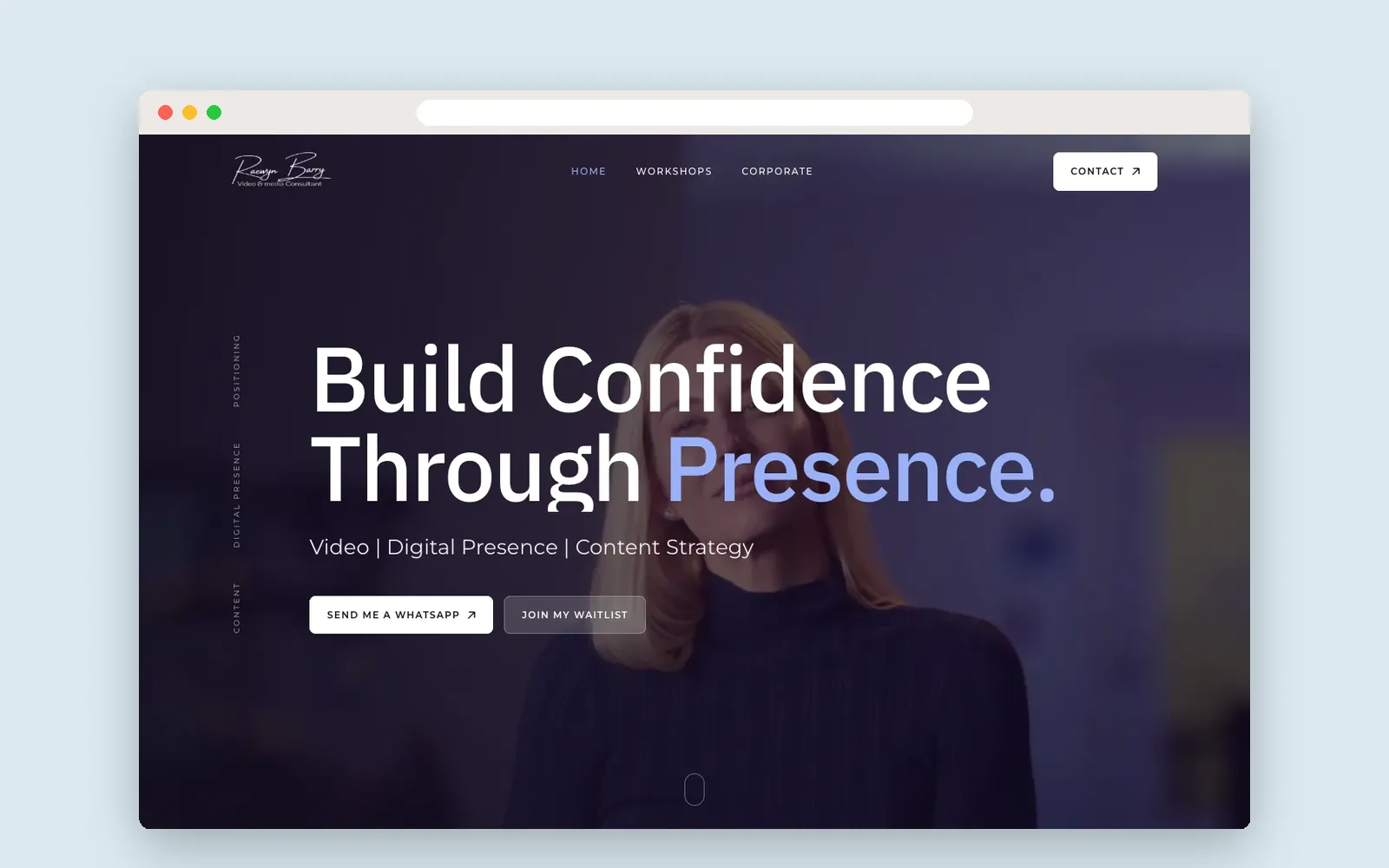
Raewyn Barry: her previous site broke down on mobile. The new WordPress site redirects the old .html page addresses to their new pages with 301 redirects, and launched with Yoast SEO and Google Site Kit set up, so old links keep working for visitors and search engines.
The Cleaning Company: we built a faster front end and kept WordPress as the admin, so the team edits content as before. On the new version, the mobile Performance score went from 12 to 96 before launch.
Should you change platform during a redesign?
You can, and many redesigns move from an old WordPress theme or page builder to a faster setup. Changing platform does not hurt rankings on its own; lost pages, missing redirects and lost content do. The checklist above applies whatever you move to.
Frequently asked questions
Will I lose my Google rankings if I redesign my website?
Not if the redesign is planned for it: keep the content and titles that rank, redirect every old URL to its closest new page in one hop, and monitor Search Console after launch.
What is a 301 redirect?
A permanent redirect that sends visitors and search engines from an old page address to its new one, and tells Google the page has moved so it can pass on the old page's standing.
Should I keep the same URLs when redesigning?
Where you can, yes. It is the safest option. Where URLs must change, map each one to the closest new page with a 301 redirect.
How long does it take for rankings to settle after a redesign?
Google usually re-crawls important pages within days to a few weeks. Watch Search Console during that time and fix any errors quickly.
Can you redesign my site without breaking my Google Ads?
Yes. Ads landing pages need to keep working at the same address or redirect cleanly, with conversion tracking checked at launch, as we did for Bodyline Hospital.
Planning a project like this?
Tell us what you need. We reply within one business day with next steps, a rough timeline and the questions that matter.
More Insights
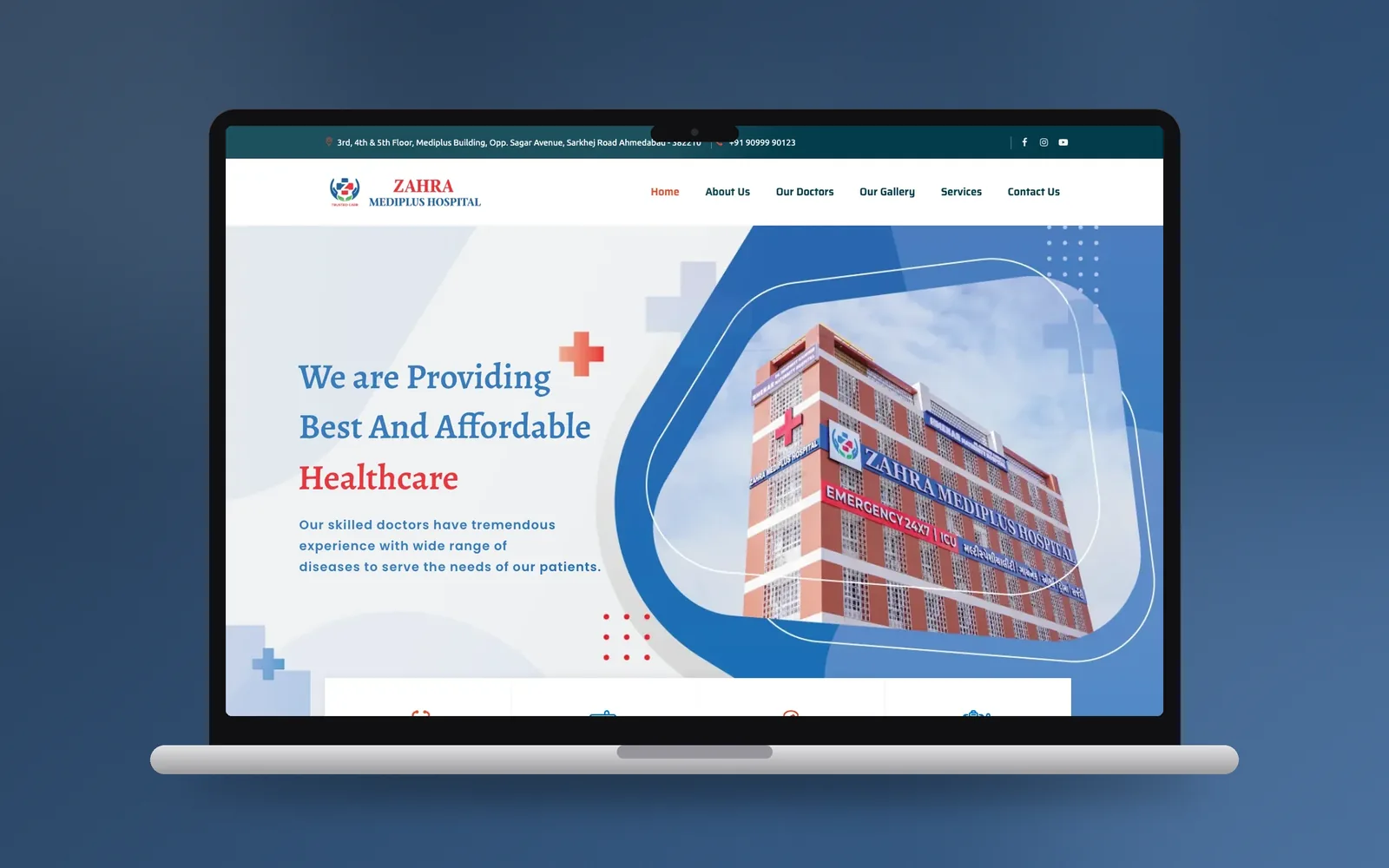
Clinic and Hospital Websites: What Patients Need First, and How to Build It
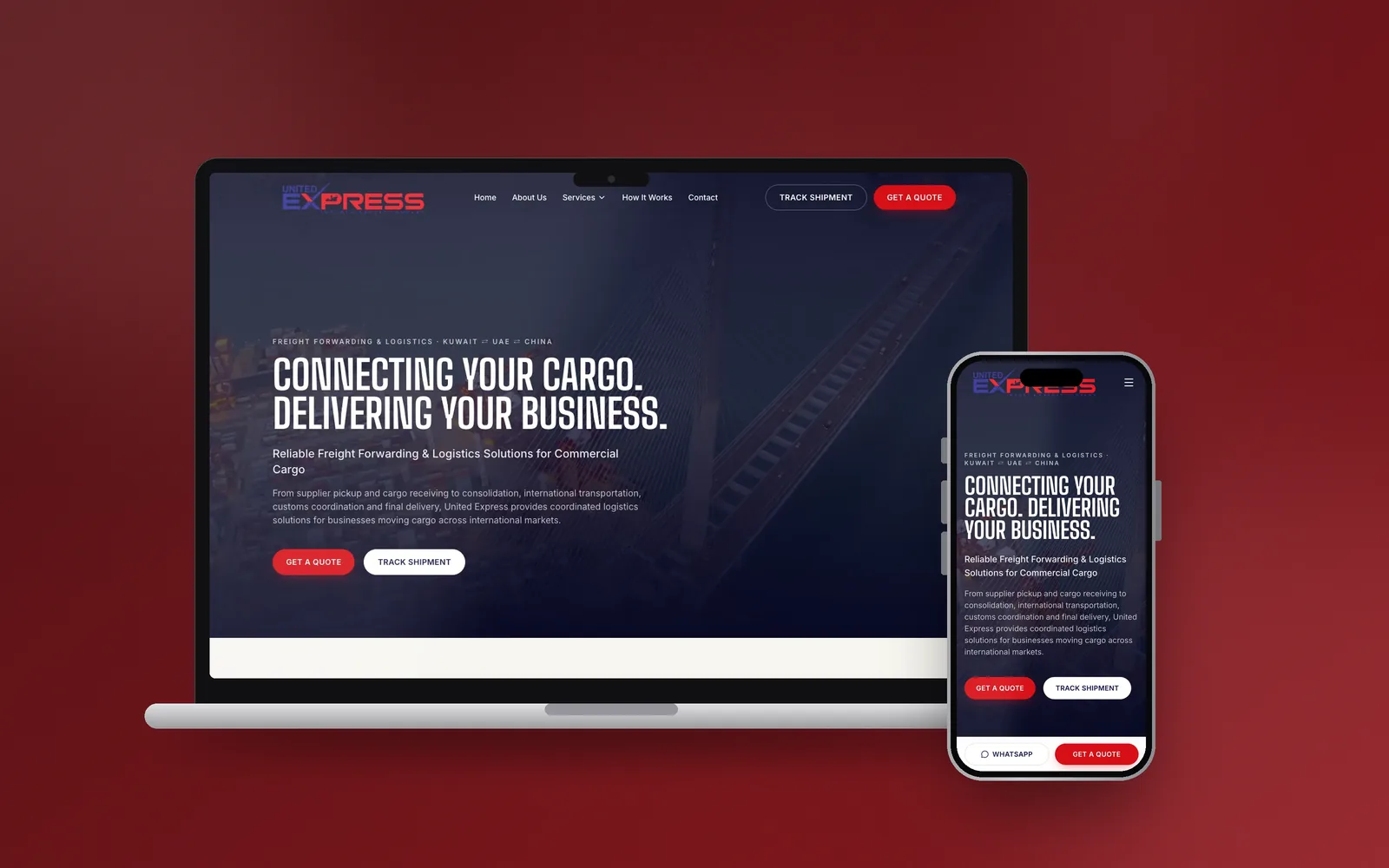
Websites and Software for Freight Forwarders and Logistics Companies: Quotes, Tracking and WhatsApp